
WhatsApp is rolling out several new features aimed at making everyday messaging more flexible, including the long-awaited support for multiple accounts on the iPhone.
They have also made it easier to move your WhatsApp chat history between different smartphone platforms.
Two WhatsApp accounts on one iPhone, moving WhatsApp to Android
The biggest update here is that iPhone users can now log in to two WhatsApp accounts on a single device. Previously available only on Android, this update now enables iPhone users to manage two accounts without the need of having a second phone.
WhatsApp says users can easily tell which account they’re using, as the active profile picture will be shown in the app’s bottom tab.
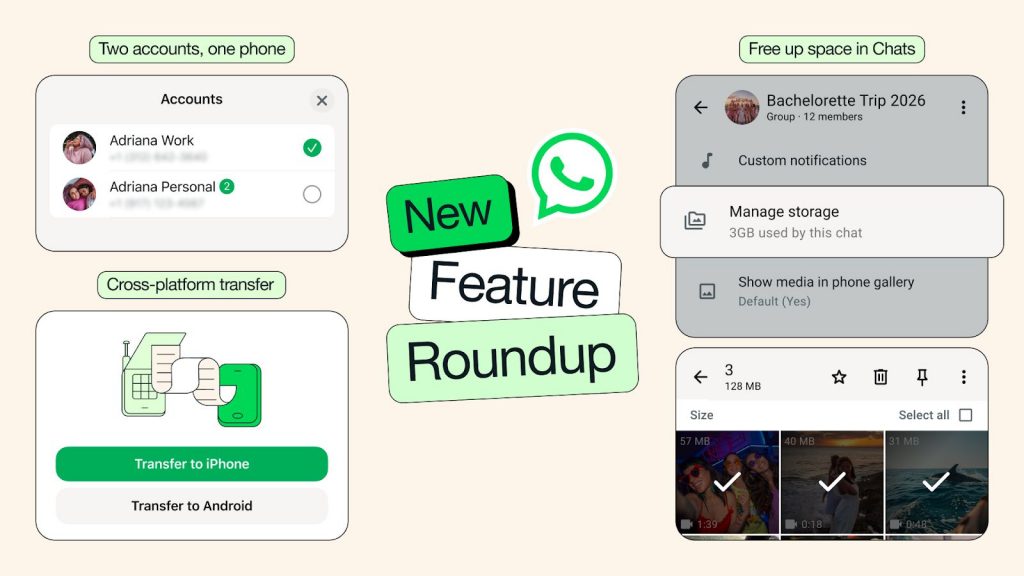
Another key improvement is cross-platform chat transfer. WhatsApp now supports moving chat history from iOS to Android, in addition to transfers between iOS devices. According to WhatsApp, users can move their conversations, photos and videos with just a couple taps.
Free up storage and new Meta AI features
Beyond multiple account support and cross-platform transfers, WhatsApp is also introducing several quality-of-life features. Users can now free up their phone storage easily by allowing users to find and deleting large files within individual chats without deleting the chat history. Just go to a chat and select Manage Storage to get started.
Sticker suggestions have also been improved, with the app recommending stickers based on typed emojis.
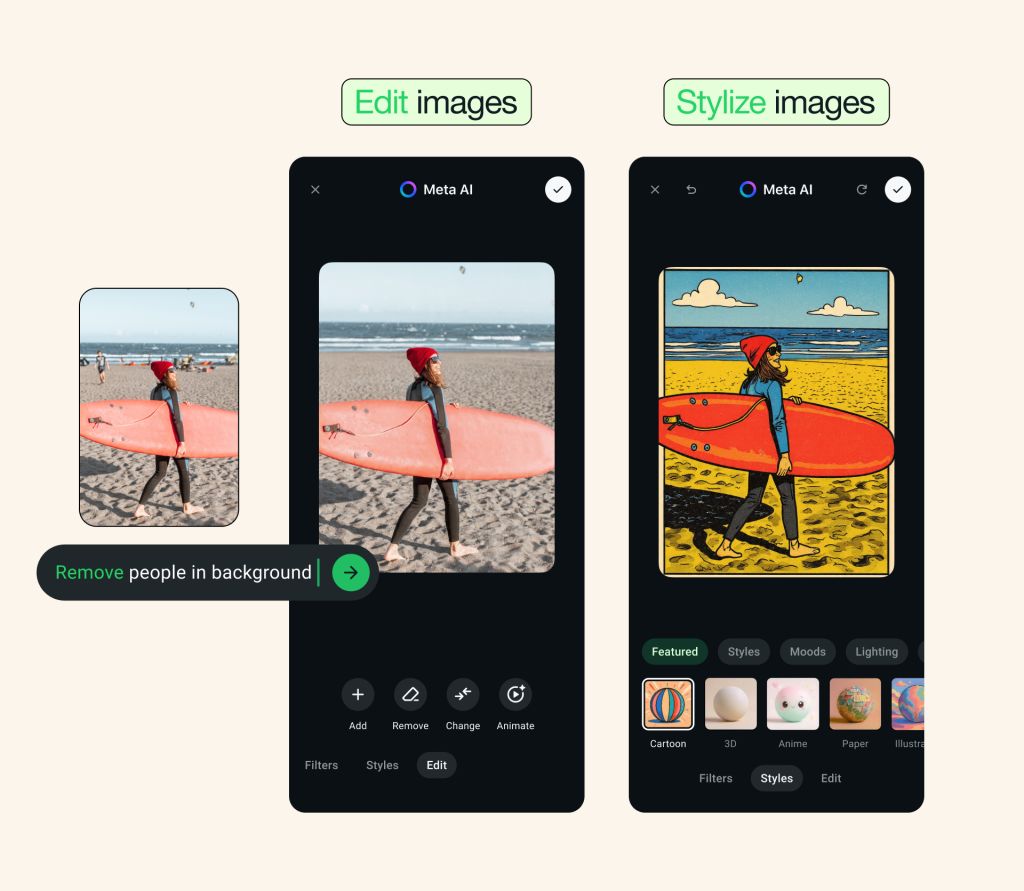
There are also new AI-powered tools integrated into chats. WhatsApp says users can use Meta AI to edit photos before sending, which include removing unwanted objects or changing backgrounds. In addition, its Writing Help feature can suggest replies based on the conversation. However, take note that Meta AI features may not be available to all users.
According to WhatsApp, these features are rolling out now and it will be available to everyone soon.
0 comments :
Post a Comment