
The Malaysian Communications and Multimedia Commission (MCMC) has urged iPhone users to update their devices to the latest version of iOS following the discovery of a critical exploit known as “Darksword”.
MCMC warned that the exploit could pose serious security risks if left unpatched, and users are advised to install the latest software update from Apple as soon as possible.
Apple has already addressed the vulnerability in its latest security updates. According to Apple’s official security documentation dated 19th March 2026, the update includes fixes for multiple vulnerabilities that may have been actively exploited. Apple has not disclosed full technical details of the exploit, which is standard practice to prevent further abuse.
What is “Darksword”?
“Darksword” refers to an exploit chain targeting iOS devices, as documented by Google’s Threat Intelligence Group. It is described as a sophisticated attack that leverages multiple vulnerabilities to gain unauthorised access to a device.
Security researchers indicate that such exploit chains are typically used in targeted attacks and may allow attackers to bypass system protections. However, the exact scope of affected devices, attack vectors, and real-world usage cases are not publicly disclosed.
Independent analysis from cybersecurity firm Malwarebytes also highlights that unpatched iPhones may be exposed to risks if users delay installing updates that contain the relevant security fixes.
It has been reported that hackers are using iOS exploit kits to take advantage of vulnerabilities in iOS 13 to iOS 17.2.1. it is said that users running on updated versions of iOS 15 through iOS 26 are safe.
In the past week, Apple released newer versions of iOS for older iPhone devices which are currently not compatible with the latest iOS versions.
What should users do?
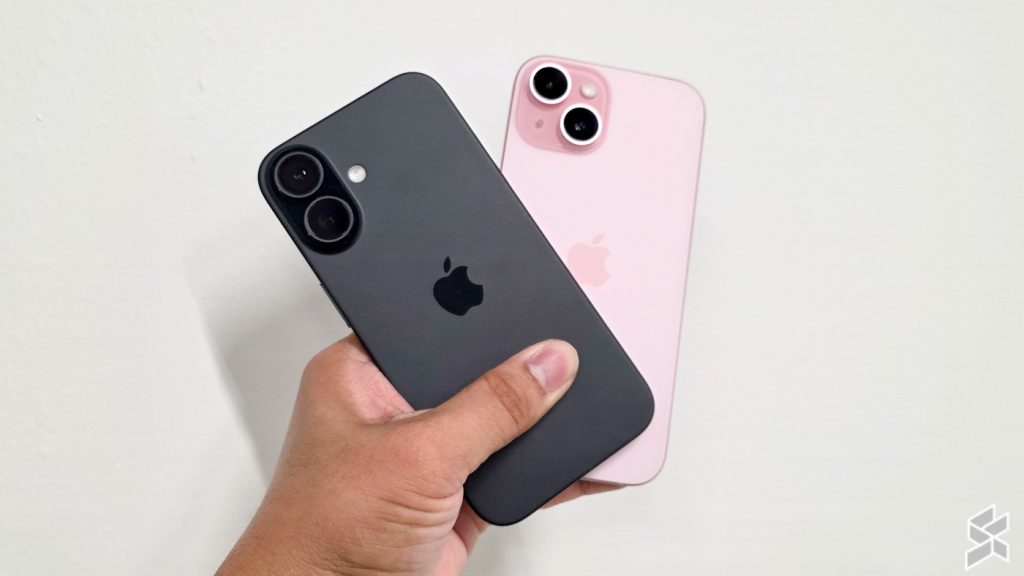
Apple’s official advisory is straightforward. Just update your devices to the latest iOS version.
You can check for updates by going to Settings > General > Software Update on your iPhone.
As with previous security advisories, keeping your device updated remains the most effective way to stay protected against newly discovered exploits.
Apple has also highlighted that users who are unable to update their devices can consider enabling Lockdown Mode to protect against malicious web content and other threats. This can be enabled under Settings > Privacy & Security > Lockdown Mode.
Lockdown Mode is available in iOS 16 or later, iPadOS 16 or later, watchOS 10 or later, and macOS Ventura or later.
[ SOURCE ]
0 comments :
Post a Comment